

Prompt engineering solved a blank chat box.
AI agents have a different problem: what should they remember, watch, and keep moving when you are not typing?
That is why OpenAI’s Dot is more interesting than another prompt trick.
I have been experimenting with Dot, and the moment that changed how I thought about it happened after a call.
The part that felt different was not the meeting summary
I had already been talking to Dot about work in progress and an upcoming call.
Before the call, it gave me useful suggestions. Nothing unusual.
After the call, I did not reopen ChatGPT. I did not ask for a recap. I did not write another prompt.
Dot came back with what mattered, what had changed, and what now needed attention.
That distinction matters because meeting note-takers already summarize calls and extract action items.
The interesting part was not that Dot captured the meeting. It carried the consequences of the meeting into work that was already in progress.
A note-taker tells you what happened.
An agent becomes useful when it understands that what happened changes a deadline, blocks the next step, creates a follow-up, or changes what should happen next.
This was my experience with my setup, not a guarantee that every Dot or connected app will behave identically. The useful part was the continuity.
Dot is built around ongoing responsibility
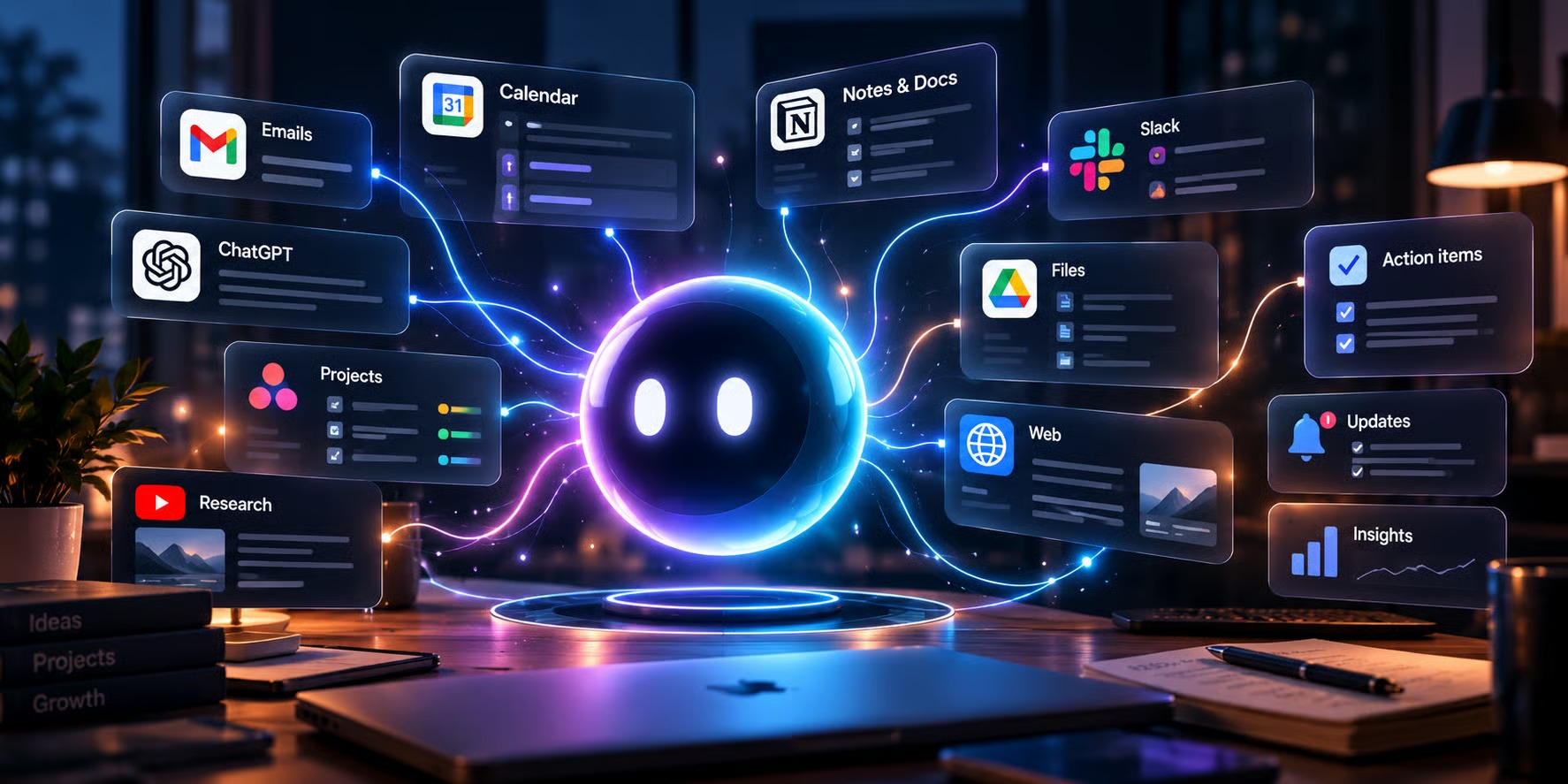
OpenAI describes Dot as an always-on agent that can take on ongoing responsibility and keep making progress between conversations.
According to OpenAI’s current documentation, a Dot has its own cloud computer, can work across apps you choose to connect, can use memory to keep context, and can run scheduled work. It can also research in the background and proactively review connected information without waiting for a new question.
Those capabilities still depend on the connections, permissions, and rules you give it. OpenAI also says the rollout is gradual, so access and available connections can vary by account.
The simplest way I think about the difference is:
ChatGPT: Help me think about this.
Work: Go do this.
Dot: Keep this moving.
The third one changes the relationship.
Prompts were the interface. Context is the system.
Prompt engineering focuses on the instruction you write.
AI agents need more than that. They need enough relevant context to make a good decision over time.
Anthropic describes context engineering as the process of curating the information an agent needs across multiple steps. More context is not automatically better. The useful context is the information that helps the agent decide what matters now.
For a creator, compare these two instructions:
Write my show notes.
versus:
Keep this episode ready for publication. Use the approved angle, transcript, guest details, source links, and publishing requirements. Track what is missing, prepare the next draft, and tell me when something blocks publication.
The second one is not just a better prompt.
It gives the agent a responsibility, a source of truth, and a reason to keep paying attention.
The creator use case is not more content. It is fewer open loops.
Creator workflows are full of things that are technically small but mentally expensive.
- a guest still owes you a headshot
- an editor is waiting on an approval
- a client response changes the angle
- a source needs to be verified before publication
- a deadline is approaching while you are working on something else
None of these needs a sophisticated AI-generated deliverable.
They need continuity.
For podcast and long-form creator work, that can mean:
- Guest preparation: track missing materials and prepare the research brief when enough information is available.
- Recording follow-up: carry decisions and commitments from the call into the production plan.
- Editorial handoffs: surface the one unresolved issue that is blocking an editor.
- Research monitoring: alert you only when a development actually changes an active story.
- Publishing preparation: prepare website and newsletter drafts while keeping sources and approval boundaries intact.
If your workflow includes podcast post-production, an existing structure such as a show-notes template can become part of the context the agent works from instead of something you explain from scratch every time.
The most valuable skill may be knowing when not to interrupt you
Checking email is easy.
Checking a calendar is easy.
Checking whether a file changed is easy.
Deciding whether any of those changes deserve your attention is harder.
This is where a lot of automation becomes annoying.
You ask for important updates and get ten technically relevant notifications.
I would rather have one useful interruption and silence for the rest.
OpenAI says a Dot can use ongoing context and scheduled or proactive work to stay on top of responsibilities. The useful test is not whether it can monitor more things. It is whether the system gets better at deciding what actually matters.
Give an AI agent these five things
Before connecting more apps or adding more automation, define the responsibility first.
- Goal: What outcome should the agent keep moving toward?
- Context: Which project details, documents, decisions, and history actually matter?
- Access: Which apps, files, and tools are required for the job?
- Boundaries: What can it prepare independently, and what still needs approval?
- Attention: Which changes are important enough to interrupt you?
That last one is easy to ignore and may be the most important.
Steal this responsibility brief
Your responsibility is to keep this project moving.
Use the approved project brief and the connected materials I authorize.
Track decisions, commitments, deadlines, blockers, follow-ups, and things I am waiting on.
Do not send routine summaries just to prove you are working.
Notify me only when something needs action soon, blocks important work, changes an active plan, creates a meaningful opportunity, or needs my judgment.
When you notify me, tell me:
What changed.
Why it matters.
What you recommend.
What you can prepare next without me.Keep confirmed information separate from assumptions. Ask before sending messages, publishing content, spending money, or changing an approved plan.
The exact wording can change.
The structure is what matters.
Judge the agent by what it catches, not what it generates
The wrong success metric is how many tasks the agent completed.
A better test is whether it reduced coordination work without creating new review work.
Run one responsibility on one project and look for:
- Did it catch a real blocker before you did?
- Did it use the correct source material?
- Did it stay quiet when nothing changed?
- Did it respect approval boundaries?
- Did it reduce the number of times you had to rebuild context?
An agent that creates ten drafts but gives you ten new things to check may be less useful than one that catches the single missing decision holding up the entire project.
Prompt engineering was the first chapter
Prompts still matter.
But the larger skill is becoming the design of the environment around the prompt: what the agent knows, what it can access, what it owns, and when it should act.
That is what Dot makes visible.
The best AI assistant is not the one you can prompt perfectly. It is the one you can trust with one ongoing responsibility without having to remember to ask again.
Adapted from Creator CTRL: Prompt Engineering Is Dead — Create like yourself. Operate like a team.


0 Comments